
Draw a Mark That Can Travel
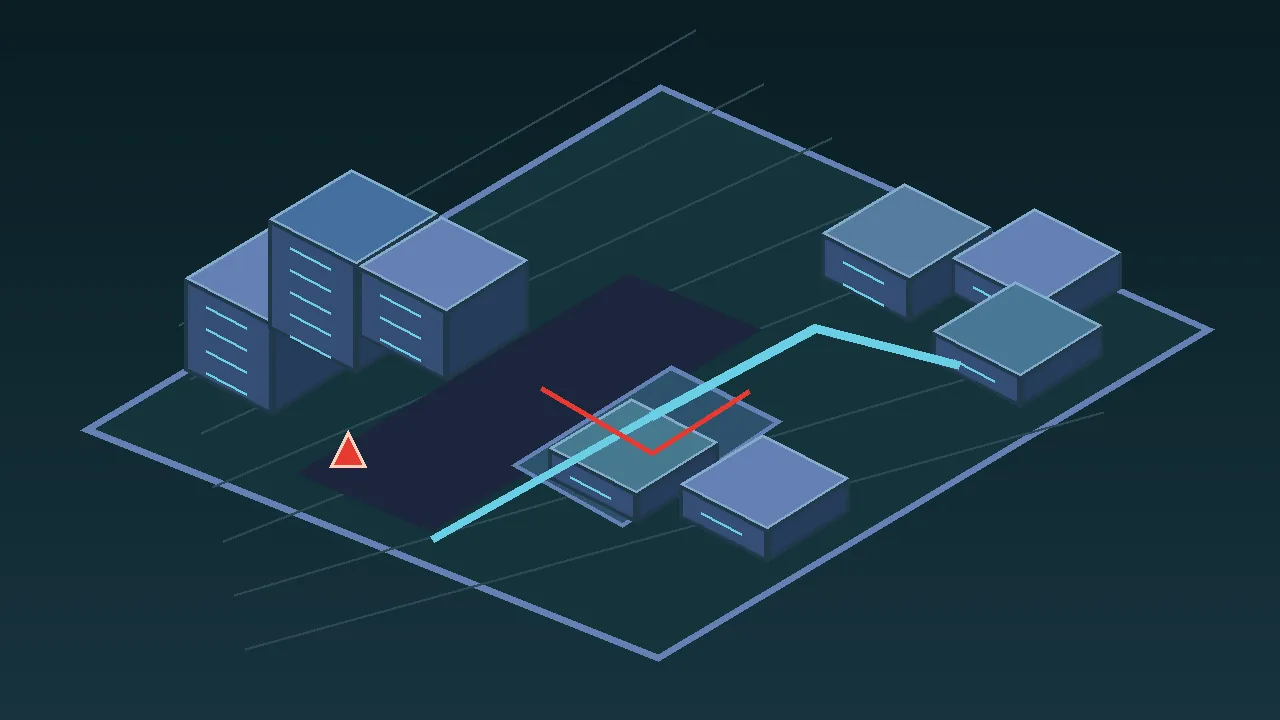
The request begins in the same place each time
The housing district has an entrance with a recognizable corner. A fictional request for general assistance appears near that position after an earlier visit is scheduled. If the coordinator gives the request to another team, its status needs to change without moving away from the person asking. The map can show the first position while a separate icon follows the plan. We started with one mark for both. The moved mark reached the works yard, and a reader thought the request had come from that district. We tried placing two marks next to each other before the move. The drawing lets one remain in the city while the other travels with the assignment.
Let shape carry the part that stays
The request marker uses a corner pointing toward the district that owns it. The icon on the assignment strip can use the same corner with a small band under it. When someone sees the next plan first, they should be able to match the two shapes before trying to read the same case title. A bright color is available for a request that still needs action, but people should also be able to tell if the shape shares its origin with a muted marker. For that, the city line around the entrance and the strip can give each shape room. Keep the two positions in a comparison frame long enough for someone to describe the connection without playing the movement again.
Add a status only where it tells the reader something
The map has a shape for a planned visit and another position that can receive work currently. Put the context for each label into the place it belongs. If the request is understood while the new team has a different job, we keep the corresponding outline visible. If the new team takes it, the associated strip can show a short action next to the model location. The older state remains in a still. In A Pause at Shift Change, a second request lands at a different point while the handover is in progress. The city view needs to mark whose position that is before the next team shows a route. A brief title can give that context when the current movement pauses.
See what happens when two shapes share a view
Make a version of the night desk with two requests at different places and one shared position where a team can accept either. Try the sequence once with a helper note and once with only the titles near each request. The new reader should be able to identify what changed in either one. If a line looks as though both requests currently belong to one team, draw the earlier state farther from the centre and make the new assignment mark distinct by shape. A Minute of Overlap keeps the earlier confirmation in view through the same situation. A compare panel can use the same geography without making both marks overlap while a reader moves from one half to the other.
Ask what the second still means by itself
Open just the later plan and give the reader a moment to find the earlier request. Let them follow one mark to a district and point to the current team. Their description tells us whether the old state was given enough space on the new plan. Then reopen the initial drawing and check whether the same identifying feature appears before the choice. If it survives both reads, the shape can travel during a later test of the route. If it is unclear when the viewport narrows, keep the common landmark larger and move the label to the margin. The next comparison should still show a different route to the same request on the city plan.